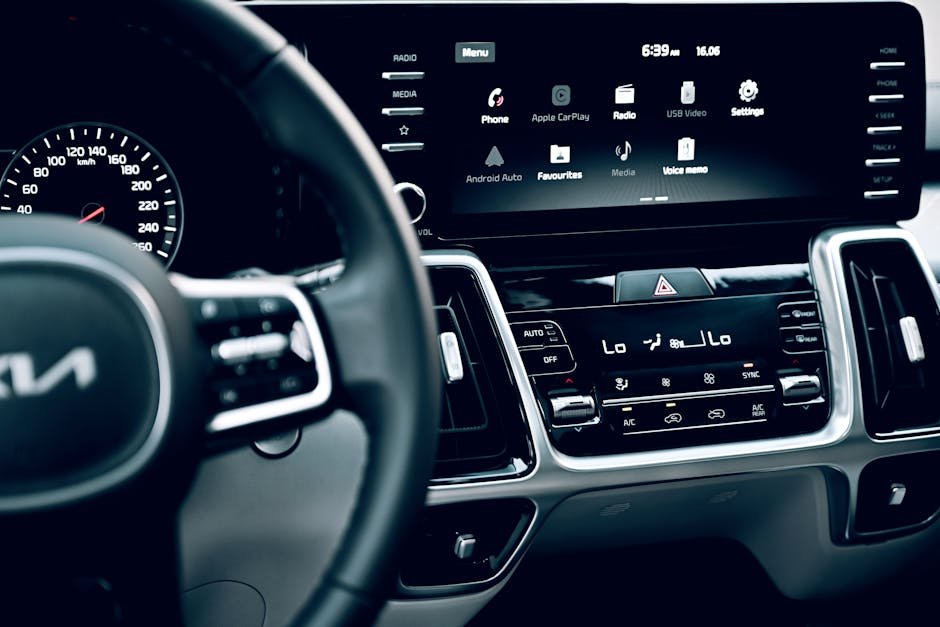
In today’s connected world, your car is more than just a means of transport; it’s an extension of your digital life. Apple CarPlay has revolutionized how we interact with our vehicles, seamlessly bringing our iPhone experience to the dashboard. But with so many options emerging, understanding the best CarPlay Alternatives has become crucial for every driver.
CarPlay’s dominance is undeniable, with 98% of new cars sold in the U.S. now supporting it, and a staggering 83% of users actively engaging with the platform. This isn’t just a convenience; it’s a preference, with 85% of car owners preferring smartphone integration over built-in systems. This guide dives deep into the evolving landscape of in-car technology, helping you navigate the choices and find the perfect system for your driving needs.
CarPlay vs. Android Auto: Key Differences
The most direct competitor to Apple CarPlay is undoubtedly Google’s Android Auto. Both platforms aim to project a simplified, driver-friendly version of your smartphone onto your car’s display, offering navigation, communication, and entertainment apps. While their core functionalities are similar, distinct differences cater to different user preferences.
CarPlay is often lauded for its intuitive interface, seamless integration within the Apple ecosystem, and consistent design language. It typically feels more streamlined and polished, mirroring the iOS experience users are accustomed to. For iPhone users, it’s a natural extension, offering immediate familiarity.
Android Auto, on the other hand, provides a robust experience for Android smartphone users. It often offers more customization options, a card-based interface that can display multiple pieces of information simultaneously, and supports a broader range of third-party apps. The choice between Android Auto vs CarPlay largely boils down to your existing smartphone ecosystem and personal aesthetic preference.
Both systems support popular third-party navigation apps like Google Maps and Waze, alongside their native offerings (Apple Maps for CarPlay, Google Maps for Android Auto). They also allow for hands-free calling, messaging, and music streaming. The fundamental difference lies in their underlying operating system and the user experience philosophies of Apple and Google.
The Rise of CarPlay Ultra: Next-Gen Integration
The future of in-car technology is already here with the introduction of CarPlay Ultra, also known as the next generation of CarPlay. This isn’t just an update; it’s a revolutionary reimagining of how your iPhone integrates with your vehicle, promising unprecedented depth and control. This advanced iteration goes far beyond simply mirroring your phone screen.
CarPlay Ultra offers deep integration with vehicle systems, extending content across all driver screens, including the instrument cluster and potentially passenger displays. Imagine customizable gauge cluster designs, widgets displaying real-time vehicle data, and direct control over car functions like radio and climate – all from the familiar CarPlay interface. Key CarPlay Ultra features include:
- Direct control over vehicle functions (radio, climate)
- Customizable gauge cluster designs
- Widgets for real-time data
- Content across all driver screens
The rollout began in May 2025 with new Aston Martin vehicle orders, with major brands like Hyundai, Kia, and Genesis also committed to its adoption.
Alongside CarPlay Ultra, iOS 26 CarPlay has brought substantial upgrades to the standard CarPlay experience. These enhancements include a sleek “Liquid Glass” aesthetic, AI-powered voice commands for a more natural interaction, and customizable dashboard layouts. Multi-touch support for maps and the ability to stream videos while parked via AirPlay further elevate the experience.
A notable development in iOS 26.4 is the integration of third-party AI chatbots like ChatGPT and Perplexity. This allows for advanced voice-only interactions while driving, enabling users to get information or perform complex tasks safely. Furthermore, apps like WhatsApp have received major overhauls, offering redesigned, native interfaces that enhance usability and safety on the road.
For those eager to stay at the forefront of Apple’s ecosystem, understanding upcoming device capabilities is key. The deep integration seen in CarPlay Ultra will undoubtedly influence future iPhone designs and software. You can explore more about what’s coming with devices like the iPhone 18 Pro Launch Date, Price in India & Specs, which will undoubtedly leverage these advanced CarPlay features.
OEM Infotainment Systems: Are They a Real Alternative?
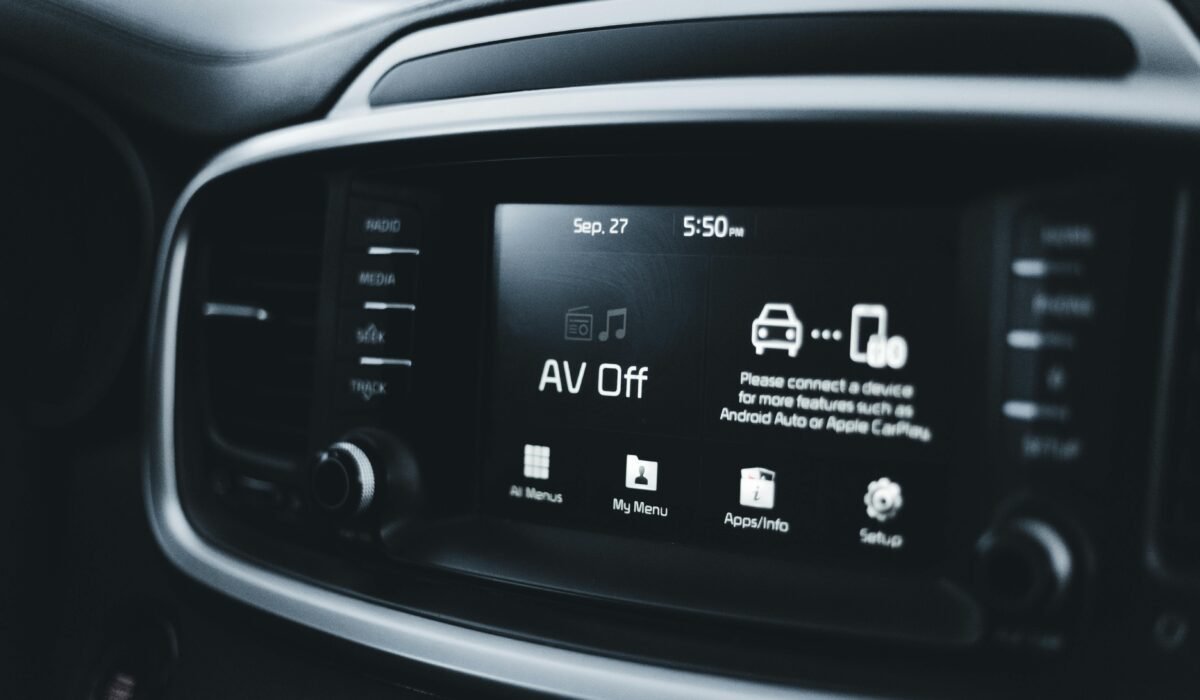
Before the widespread adoption of CarPlay and Android Auto, drivers relied solely on the proprietary infotainment systems developed by car manufacturers. Today, these OEM car systems represent a significant category of CarPlay Alternatives, with automakers investing heavily in their own technology. The question remains: are they a viable substitute for smartphone integration?
Many car manufacturers are pushing their own systems to retain control over valuable user data and to open new revenue streams through subscription services. A prime example is General Motors, which controversially decided to ditch CarPlay and Android Auto in its new EVs starting in 2023. This move highlights a strategic shift by some brands to prioritize their own software ecosystems.
However, consumer preference tells a different story. A striking 85% of car owners who use CarPlay or Android Auto prefer it over the car manufacturer’s built-in infotainment system. Nearly half of car buyers would even refuse to purchase a vehicle that lacks smartphone integration. This strong preference underscores the challenges OEMs face in convincing drivers that their systems are truly superior or even on par.
While some modern OEM systems offer impressive displays, integrated navigation, and unique vehicle controls, they often fall short in terms of app ecosystem, update frequency, and user familiarity compared to smartphone-based solutions. The interface can sometimes be clunky, and the learning curve steeper. Furthermore, the cost of map updates or premium features can sometimes be an ongoing expense, unlike the free updates offered by Apple and Google.
The rise of systems like Android Automotive, a full embedded operating system (distinct from Android Auto), represents a new approach for OEMs. While promising deeper integration, it still faces the hurdle of matching the seamless, constantly updated experience offered by Apple and Google’s projection systems. For insights into how new vehicles are incorporating smart features, consider reading about the Toyota Corolla Cross 2026 Unveiled: Advanced Hybrid Power, Premium Comfort & Smart SUV Performance. Ultimately, for most drivers, the convenience and familiarity of their smartphone interface remain paramount.
Aftermarket Solutions: Bringing CarPlay to Older Cars
If your vehicle wasn’t factory-equipped with Apple CarPlay, don’t despair! A vibrant market of aftermarket CarPlay solutions exists, allowing you to upgrade your older car and enjoy modern connectivity. These solutions offer a range of options, from full head unit replacements to clever add-on modules, making advanced infotainment accessible to a wider audience, positioning them as strong CarPlay Alternatives.
The most comprehensive aftermarket upgrade involves replacing your car’s factory head unit with a new one that supports CarPlay. Brands like Pioneer, Kenwood, Alpine, and Sony offer a wide array of double-DIN and single-DIN units with touchscreens, advanced audio features, and both wired and wireless CarPlay capabilities. This option often provides the most integrated and polished experience, mimicking a factory-installed system.
For those who prefer to keep their original head unit, there are more subtle solutions. Wireless CarPlay modules, often referred to as “Magic Boxes” or AI Boxes, plug into your car’s existing USB port. These devices essentially run a full Android operating system on your car’s display, enabling not only CarPlay (or Android Auto) but also unrestricted app access, including video streaming services like Netflix and YouTube while parked.
Another category includes specialized interfaces like GROM VLine or NavTool. These are designed for owners of older luxury cars who want to integrate modern connectivity without altering the original aesthetics or functions of their dashboard. They typically offer a more bespoke integration, preserving the vehicle’s classic appeal while adding smartphone mirroring capabilities.
Finally, portable CarPlay screens offer a non-invasive, standalone option. These are separate devices that mount on your dashboard and connect to your phone, providing a dedicated display for CarPlay. While not as integrated as other solutions, they are incredibly easy to install and transfer between vehicles, making them a flexible and budget-friendly choice for adding CarPlay to virtually any car.
Common CarPlay Questions & Troubleshooting
Even with its seamless design, users occasionally encounter questions or issues with CarPlay. Here are some of the most frequently asked questions and troubleshooting tips to help you keep your in-car experience smooth and uninterrupted:
- Why isn’t my CarPlay working or connecting?
This is a very common issue. Start by checking your USB cable; ensure it’s an Apple-certified cable and not faulty. Outdated iOS or car infotainment software can also cause problems, so make sure both are up to date. Verify your iPhone or CarPlay settings: Siri must be enabled, and CarPlay restrictions should be off. For wireless CarPlay, check your Bluetooth and Wi-Fi connections for interference or disconnections.
- Does Apple CarPlay use cellular data?
Simply connecting to CarPlay itself uses virtually no cellular data, as it acts as a display interface for your iPhone. Data consumption occurs when you actively use internet-dependent apps like navigation (Apple Maps uses approximately 3-5 MB per 30-minute trip) or music streaming (about 50 MB per hour at normal quality). This is the same data usage as if you were using these apps directly on your iPhone screen.
- Can I use Google Maps or Waze with Apple CarPlay?
Absolutely! CarPlay fully supports a wide range of third-party navigation apps, including popular choices like Google Maps and Waze, alongside Apple Maps. You can easily switch between them from your CarPlay dashboard.
- What’s the difference between wired and wireless CarPlay?
Wired CarPlay connects via a USB cable, generally offering a more reliable connection and faster data transfer, which can be beneficial for demanding applications. Wireless CarPlay, powered by Bluetooth and Wi-Fi, provides unmatched convenience by automatically connecting your iPhone when you get in the car, eliminating cable clutter. However, it can sometimes experience slight latency or occasional disconnection issues, though these are becoming rarer with newer hardware.
- Can I install Apple CarPlay in an older car?
Yes, as detailed in the “Aftermarket Solutions” section, many older vehicles not factory-equipped with CarPlay can be upgraded. Options include replacing the head unit, adding wireless CarPlay modules, or using portable CarPlay screens. This allows almost anyone to enjoy the benefits of CarPlay, regardless of their car’s age.
For more detailed assistance with connectivity issues or general usage, Apple provides comprehensive support resources. You can always refer to their official Apple Support – If you need help with CarPlay page for up-to-date troubleshooting guides and tips.
Why Wireless CarPlay is Gaining Popularity
The convenience factor of wireless connectivity is rapidly making Wireless CarPlay benefits a must-have for many drivers. Gone are the days of fumbling with cables every time you get into your car. Wireless CarPlay offers a seamless experience, automatically